Event Operations
The help desk is where your event's reputation is actually decided
Delegates forgive a late start. They do not forgive standing at a desk with nobody to ask. Here is how to size it.
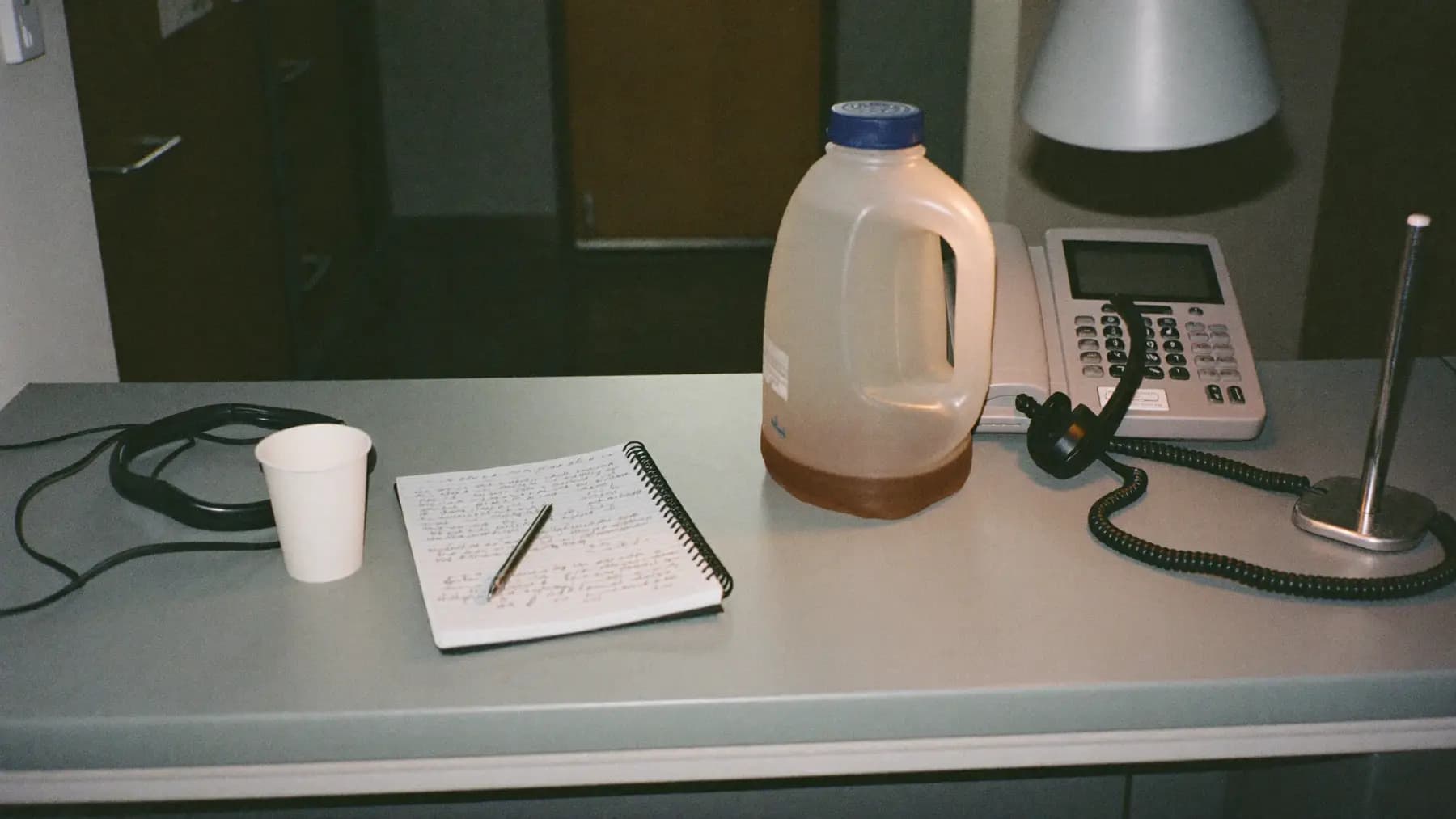
Hero art direction: Event helpdesk counter mid-shift: headset on a coiled cord, desk phone, well-used notebook. Cool hall ambient, warm desk lamp.
Every unanswered question becomes a queue somewhere else
A delegate who cannot find their session room asks the nearest person in a branded shirt. If that person is a registration operator mid-check-in, your registration throughput just dropped and the queue behind them grew.
The help desk exists to absorb those questions somewhere they do not cost you throughput. Under-staff it and the questions do not disappear — they relocate to whichever staff member is least able to refuse them.
What people actually ask
Across events, the distribution is remarkably stable:
- Wayfinding — around 40%. Which room, which floor, where is the washroom.
- Badge and access problems — around 20%. Lost badge, wrong tier, name spelled wrong.
- Schedule questions — around 15%. Has this moved, is it recorded, is there a waiting list.
- Connectivity — around 10%. Wi-Fi password, no signal, cannot join the app.
- Genuine problems — the rest. Lost property, medical, complaints, accessibility needs.
The first three quarters of that list are answerable from a printed sheet. That has a direct implication: most help desk load can be handled by a well-briefed temp with a good crib sheet, and only the last category needs someone with authority.
Sizing the desk
Expect 8 to 12% of delegates to approach the help desk at least once over a one-day conference. For 2,000 delegates that is 160 to 240 interactions.
They do not arrive evenly. The peaks are:
- The first thirty minutes after doors open
- The first session change
- The twenty minutes after lunch
At an average of ninety seconds an interaction, and 40% of the day's volume landing in three short peaks, two staff during peaks and one across the rest of the day covers a 2,000-delegate event. Add a third position if the venue has more than two floors, because wayfinding volume scales with vertical complexity rather than headcount.
Put the desk where the confusion is
The most common placement mistake is putting the help desk next to registration, where it is invisible behind a queue and where staff get pulled into check-in.
Put it at the first decision point after registration — the junction where delegates have to choose a direction. That is where the questions occur, and a desk placed there intercepts them before they become wandering.
Signage helps, but a person standing in front of the desk with a clipboard helps more. Roaming staff at decision points reduce desk load measurably.
What to automate, and what not to
Wayfinding, schedule and connectivity questions answer well from a WhatsApp or voice assistant, because the answers are static, factual and identical every time. Routing them there frees your staff for the fifth category.
What should not be automated: anything involving a person who is upset, anything involving a medical or accessibility need, and anything where the answer is "no". Those need a person with the authority to make an exception, and routing them through a bot adds a layer of frustration before they reach one.
Publish the escalation path to your staff before the doors open. A help desk operator who does not know who to call for a medical incident is a risk you created at briefing time.
Questions we get
Follow-ups
01Should the help desk handle lost property?
It should be the collection point, because it is where people go. It should not be the storage location — keep valuables in a lockable space with a logged handover. A phone handed over at a busy counter and left in a drawer is a dispute waiting to happen.
02How do we brief temporary help desk staff quickly?
A one-page crib sheet covering the venue map, the session grid, the Wi-Fi details, the badge reprint process and the escalation numbers. Walk them through the building once before doors. Twenty minutes of orientation is worth more than any amount of written briefing.
03Does a WhatsApp helpline reduce desk queues?
Meaningfully, for the factual questions — we typically see a third to a half of wayfinding and schedule queries divert. It does not reduce the complex cases, which are the ones that take the longest. Size your staffing for the complex cases and let the automation absorb the volume.
Talk to the team that runs this on the floor
Send the date, the city and the headcount. We reply with numbers.
Further reading
Was this useful?