Engineering
What to put on the control-room screen, and what to leave off
A live event needs four numbers visible at all times. Everything else is a distraction during the ninety minutes that matter.
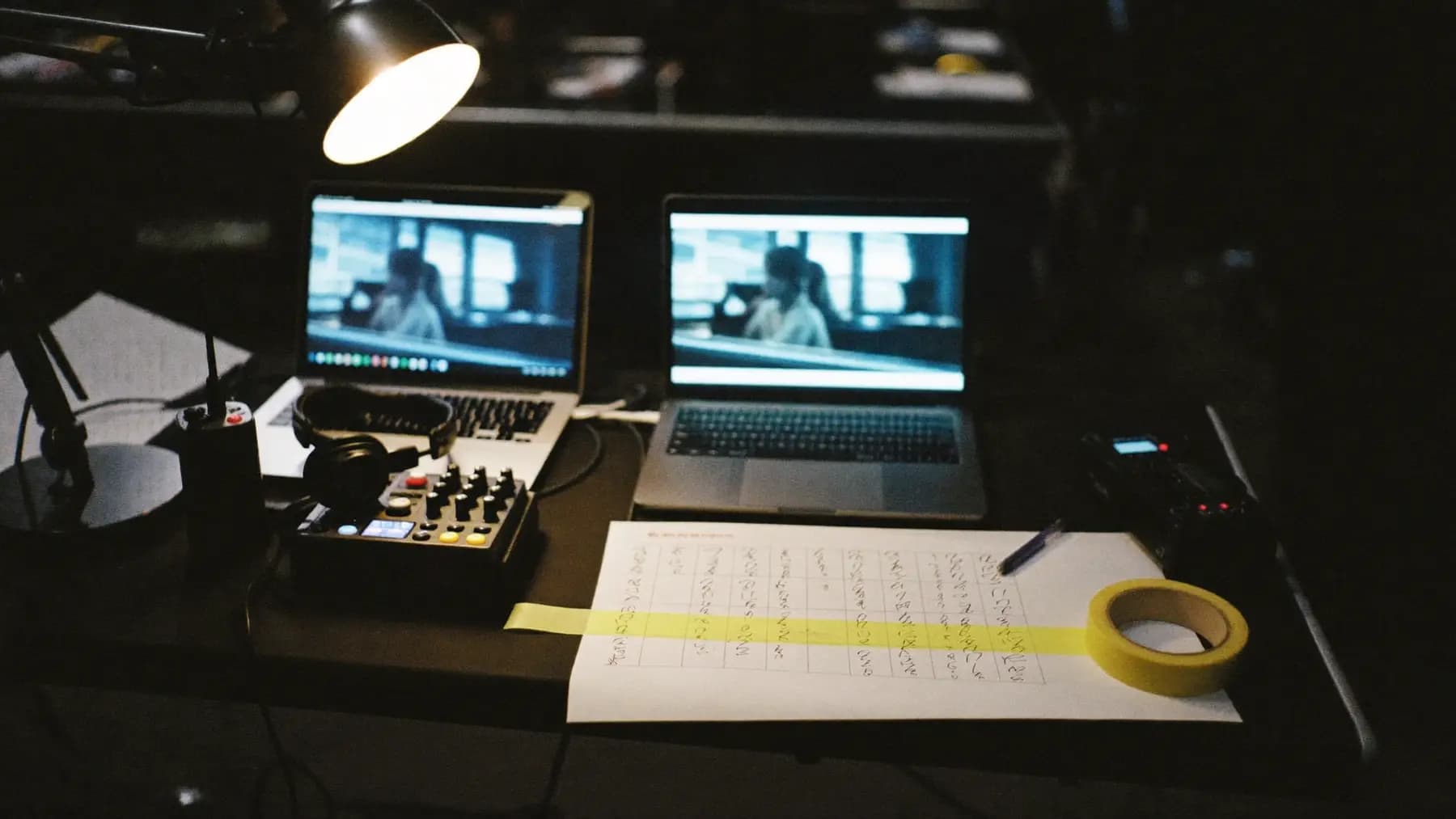
Hero art direction: Event show-control desk mid-session: laptops, vision mixer, comms headsets, run-sheet marked in pen. Cool screen glow, warm lamp.
Dashboards designed for engineers fail in control rooms
A standard observability dashboard assumes an engineer with time to investigate. A control room at 08:50 has neither. The person watching has ninety seconds between radio calls and needs to know one thing: is anything about to go wrong.
Everything on the screen should serve that question. Everything that does not is competing for attention with the things that do.
The four numbers
Check-in rate against forecast. Delegates processed in the last five minutes, against the arrival curve you modelled. Diverging early is the highest-value signal on the board, because it is the one you can still act on by opening another counter.
Queue depth per counter. Not average — per counter. An average of four hides one counter with twelve people at it because the operator is dealing with a problem.
Sync backlog. How many records are queued waiting for the network. Zero is normal. A rising number means the uplink has gone and you have minutes before someone notices something else.
Door throughput at the hall you care about. During a session change, this is the number that tells you whether the keynote starts on time.
Four numbers, large enough to read from across the room.
What belongs on a second screen
Useful, but not while something is happening: CPU and memory on the registration servers, per-device battery levels, printer queue depths, network interface counters, the streaming bitrate graph.
These matter during diagnosis. They do not help the decision "do we open counter seven".
Alarms need a defined action
Every alert should come with a written response. If it does not, it is not an alert, it is an anxiety generator.
- Sync backlog over 200 → check the uplink, switch to the backup path
- Any counter queue over 15 → open the exception desk, move a roamer
- Printer offline → swap to the spare unit, which is at position X
- Door reader unreachable → staff the door manually with a handheld
Print those on a card. The person on shift at 08:50 will not read a wiki.
Instrument the thing you will be asked about afterwards
The client's question after the event is never about CPU. It is:
- How long did the average delegate wait?
- What was the longest queue, and when?
- How many people were in hall two at 11:00?
- Did anyone fail to get in, and why?
Capture the data that answers those at the time, because you cannot reconstruct it later. This is the same telemetry that produces next year's arrival curve, which makes it the most valuable thing you record.
The thing most control rooms lack
A clock showing time to the next scheduled item.
It sounds trivial. In practice, most of the decisions made in a control room are about whether something will be ready in time, and a visible countdown converts a vague sense of pressure into a number people can act on.
Questions we get
Follow-ups
01Do small events need a control room?
They need the four numbers, not the room. On a 400-delegate single-hall event that is a laptop on the registration desk showing check-in rate and queue depth. The discipline is knowing what to look at, and that does not scale down.
02What should we log for the post-event report?
Every check-in with a timestamp and counter ID, every door scan with a hall and timestamp, and every exception with its reason. That set answers almost every question a client asks afterwards and it is what builds the arrival curve for next year.
03How do we monitor devices we do not control, like venue Wi-Fi?
Measure the symptom rather than the system. You cannot see inside the venue's network, but you can continuously measure your own reachability and latency to a known endpoint from a device on that network. When it degrades, you know before the counters do.
Talk to the team that runs this on the floor
Send the date, the city and the headcount. We reply with numbers.
Further reading
Was this useful?