Engineering
Four ways to connect registration to your CRM, ranked by how badly they fail
Every integration works in testing. What separates them is what happens when the network drops at 08:40 with 400 people in the queue.
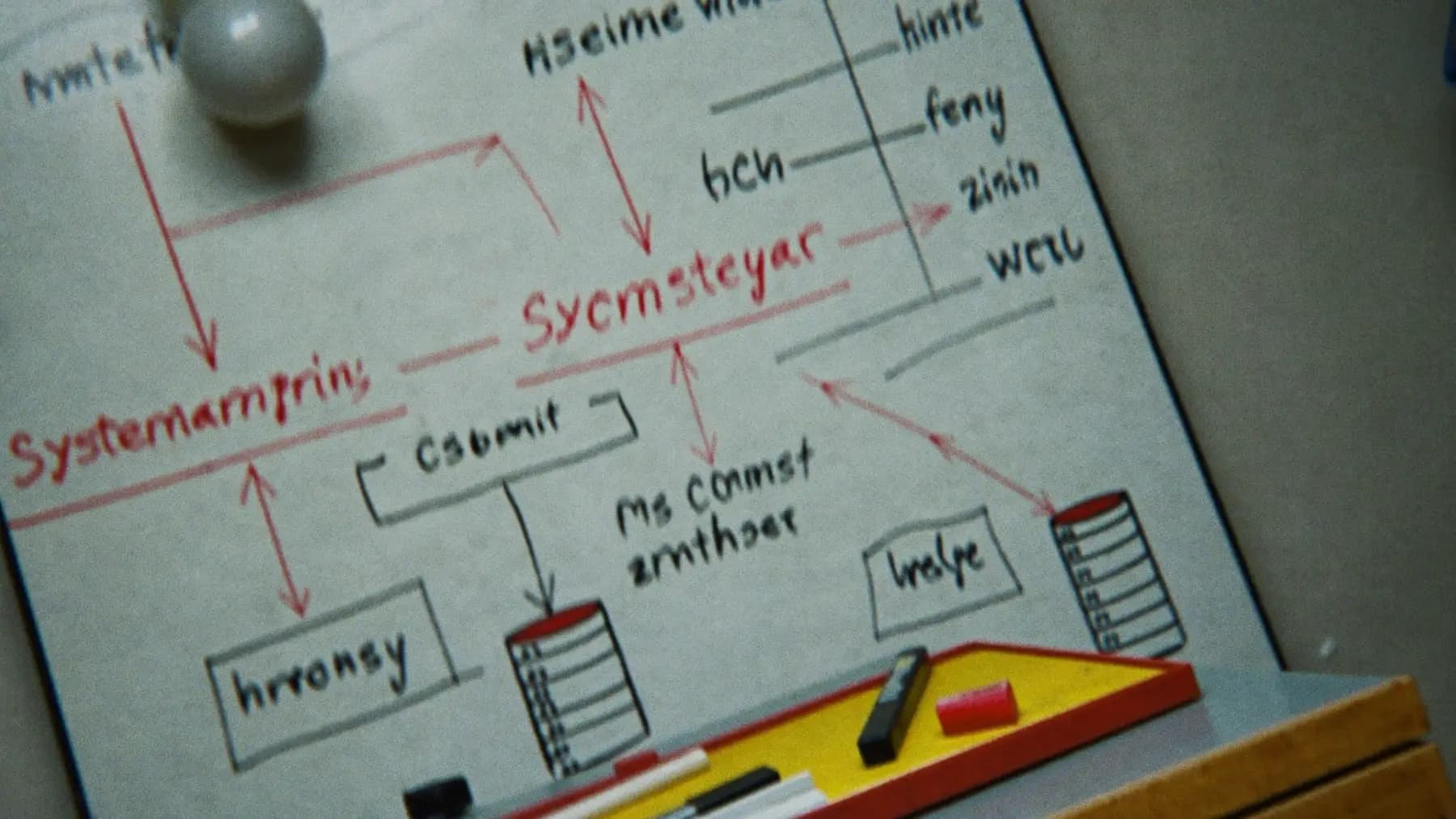
Hero art direction: Whiteboard sketch of a system architecture in black and red marker: boxes, arrows, a queue and a database.
The integration is not the hard part
Moving delegate records between a registration system and a CRM is a solved problem. What is not solved is deciding what the system does when one side is unavailable, and that decision is what determines whether your event runs.
Here are the four patterns, worst to best for live events.
1. Synchronous call on the critical path
The counter scans a badge, calls the CRM, and waits for a response before admitting the delegate.
This is the easiest to build and the worst to operate. Your check-in desk now depends on a third-party API, over a venue network, at the busiest moment of the day. A 400 ms API becomes a 4-second API under load, and your nine-second counter becomes a thirteen-second counter.
When the CRM has an outage, your event stops. Not degrades — stops.
Use this only where the remote call is genuinely required to make the decision, such as verifying a payment that could not be checked earlier.
2. Synchronous with a timeout and a fallback
The same call, but with a hard 500 ms timeout and a defined behaviour on failure: admit the delegate, flag the record, reconcile later.
This is a substantial improvement and it is often enough. The important part is that the fallback is a deliberate product decision, written down, not an exception handler somebody added later. Somebody has to answer: if we cannot verify, do we let them in?
For most conferences the answer is yes — the cost of admitting one unverified delegate is far lower than the cost of a stalled desk.
3. Webhook push, one direction
Registration owns the record. Every change fires a webhook at the CRM. The CRM never blocks anything.
This is the right default. The counter never waits, the CRM gets its data within seconds, and an outage on the CRM side produces a backlog rather than a queue of people.
What it needs to be reliable: a retry with backoff, a dead-letter queue for things that fail repeatedly, and an idempotency key so a retried webhook does not create a duplicate contact. All three are routinely skipped and all three matter.
4. Bidirectional sync with an outbox
Both systems can originate changes, each writes to a local outbox, and a worker reconciles.
This is the most work and it is the only pattern that handles the real case where sales updates a contact in the CRM while registration updates the same person onsite. Without it, one side silently overwrites the other and nobody notices until someone gets an email addressed to their old job title.
Only build this when both sides genuinely originate changes. If registration is the sole source of truth during the event, pattern 3 is correct and simpler.
The rule that matters more than the pattern
Nothing on the check-in path may depend on a network call leaving the building.
Registration validates against a local dataset, writes locally, and syncs when it can. Everything else — CRM, marketing automation, the analytics warehouse — consumes from that local system asynchronously.
Get that right and the pattern choice above becomes a question of engineering taste. Get it wrong and no amount of retry logic saves the morning.
What to test before the show
Disconnect the venue uplink during rehearsal and check in twenty people. Then reconnect and confirm all twenty appear in the CRM, exactly once.
That single test catches more integration defects than any amount of staging environment work, because it exercises the case the staging environment never has: the network being gone.
Questions we get
Follow-ups
01Can we just export a CSV after the event?
For a small event with no onsite sales follow-up, yes, and it is a legitimate choice. It stops being viable when sponsors expect leads during the event, or when the sales team wants to act on a conversation the same afternoon. A CSV the next day is a day late for anything time-sensitive.
02How do we avoid duplicate contacts in the CRM?
Send an idempotency key with every webhook — usually the registration record ID — and have the CRM upsert on it rather than create. Matching on email alone breaks when someone registers with a personal address and exists in the CRM under a work one.
03Which system should be the source of truth during the event?
Registration, without exception, for the duration of the show. It is the system physically present in the building and the one that keeps working when the link does not. Hand authority back to the CRM after reconciliation is complete.
Talk to the team that runs this on the floor
Send the date, the city and the headcount. We reply with numbers.
Further reading

Was this useful?