Event Operations
Access control fails at the door, not in the database
Hall doors have a flow rate. Most access-control problems are people-per-minute problems wearing a technology costume.
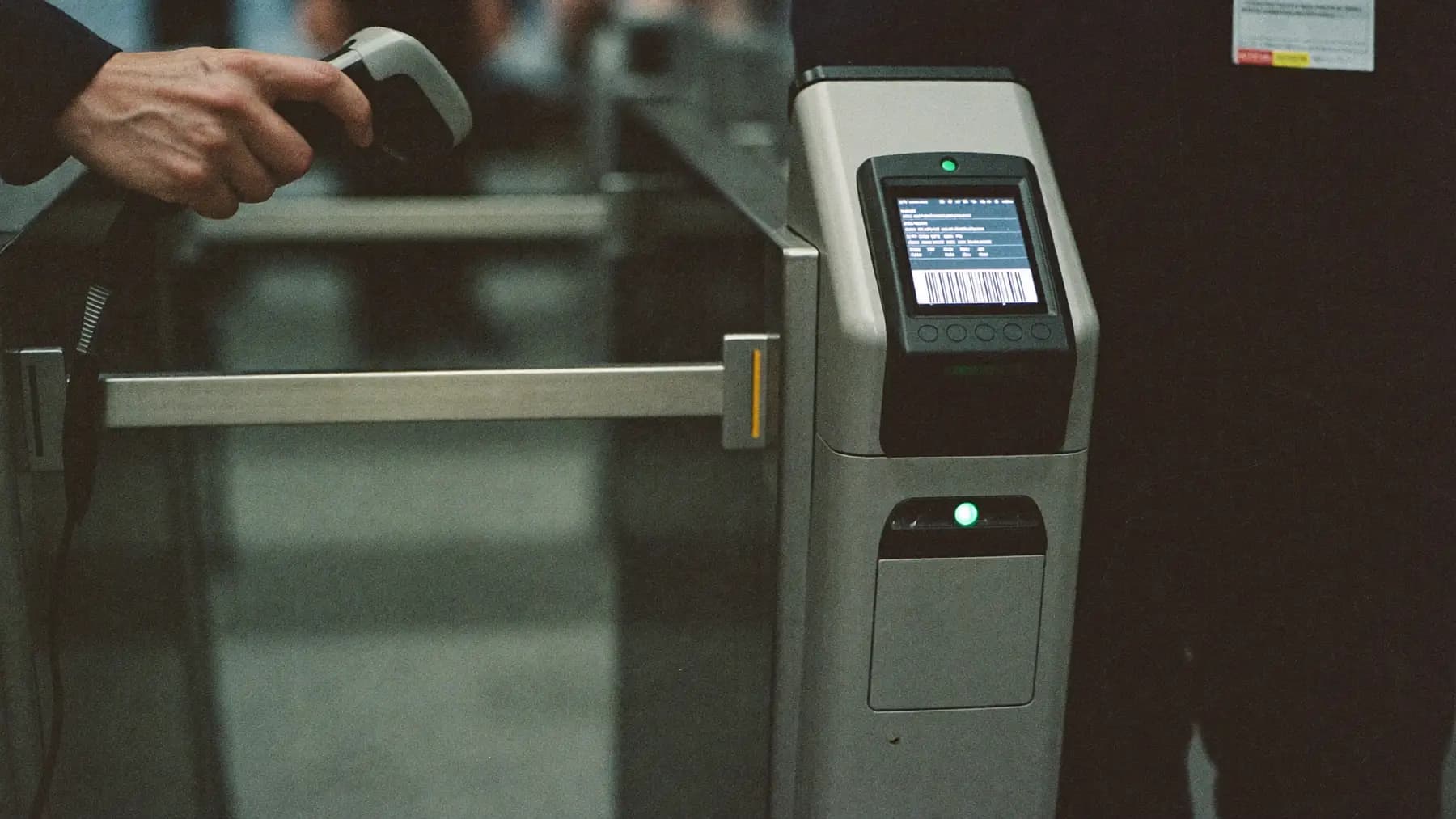
Hero art direction: Speed-gate turnstile with lit RFID reader at a conference hall entrance, handheld scanner on the post. Cool hall light.
The reader is rarely the bottleneck
A modern RFID or QR reader validates in well under a second. If your hall doors are backing up, the read time is almost never the cause.
What causes it is geometry. A single-file speed gate passes roughly 20 to 25 people a minute when everyone has their badge ready and the reader is at a comfortable height. If 600 people are trying to enter a keynote in the four minutes before it starts, that is 150 a minute, and you need six lanes.
Nobody has six lanes. So the queue forms outside the hall, the session starts late, and somebody concludes the scanners are slow.
Where the seconds actually go
Watch a door for ten minutes and the pattern is consistent:
Badge retrieval. Delegates who have put their badge in a pocket or bag add three to eight seconds each. Lanyards worn visibly eliminate this, which is the entire reason for the lanyard.
Reader height and angle. A reader mounted for a standing adult at a comfortable arm position is read on the first attempt. One mounted too low or angled awkwardly generates second and third attempts, and each retry is two seconds plus the hesitation before it.
Two-way flow. A door used for both entry and exit halves in capacity and generates collisions. Separating them is free and is skipped constantly.
The person in front. Queue dynamics amplify everything above. One delegate fumbling for thirty seconds stalls everyone behind them, and the recovery takes longer than the delay itself.
Design for the session change, not the day
Total daily footfall through a door is meaningless. What matters is the worst four minutes, which is always the change between parallel sessions or the call into a keynote.
Estimate it directly: how many people need to be through this door, and in how long? Divide by 22 people per lane per minute. That is your lane count. If the answer is more lanes than you have doors, the fix is not technological — it is staggering the session change, opening a second entrance, or accepting a late start and building it into the run sheet.
When to check badges at all
Access control has a cost, so it should buy something specific:
- Capacity compliance — the hall has a legal limit and you need to enforce it
- Paid access tiers — workshops or a summit day that not everyone has bought
- Security zones — VIP, backstage, government protocol requirements
- Attendance data for CPD or sponsors — the scan is the record
If a door serves none of those, scanning it adds friction and gathers data nobody reads. Leave it open and put the reader where it earns its place.
The failure mode to plan for
Readers lose connectivity. This is not hypothetical; venue networks are the least reliable component in the room.
The requirement is that a reader keeps working offline, validating against a locally cached list and syncing when the network returns. If your access control stops admitting people because a switch rebooted, you do not have access control, you have a door with a computer next to it.
Test this deliberately: unplug the uplink during a rehearsal and confirm the door still works.
Questions we get
Follow-ups
01RFID, QR or NFC — which should we use?
QR is cheapest and works from a phone screen, but needs line of sight and good lighting. RFID reads without alignment and is faster in practice, at higher badge cost. NFC is convenient for delegates with the right phone and inconsistent for everyone else. For most conferences QR on a pre-printed badge is the right trade; RFID earns its cost when you need speed at multiple doors.
02Can we track delegate movement between halls?
Yes, and the data is genuinely useful for sponsor reporting and next year's room allocation. Be clear in your privacy notice that you are doing it, keep it to session-level entry rather than continuous location, and set a retention period. Under the DPDP Act this is personal data and needs a stated purpose.
03What happens when a delegate loses their badge?
You need a reprint desk that is not the main registration bank, or every lost badge joins the check-in queue. Void the old credential at the same time — a lost badge that still opens doors is a security gap, and on a paid-tier event it is a revenue one.
Talk to the team that runs this on the floor
Send the date, the city and the headcount. We reply with numbers.
Further reading


Was this useful?